.png)
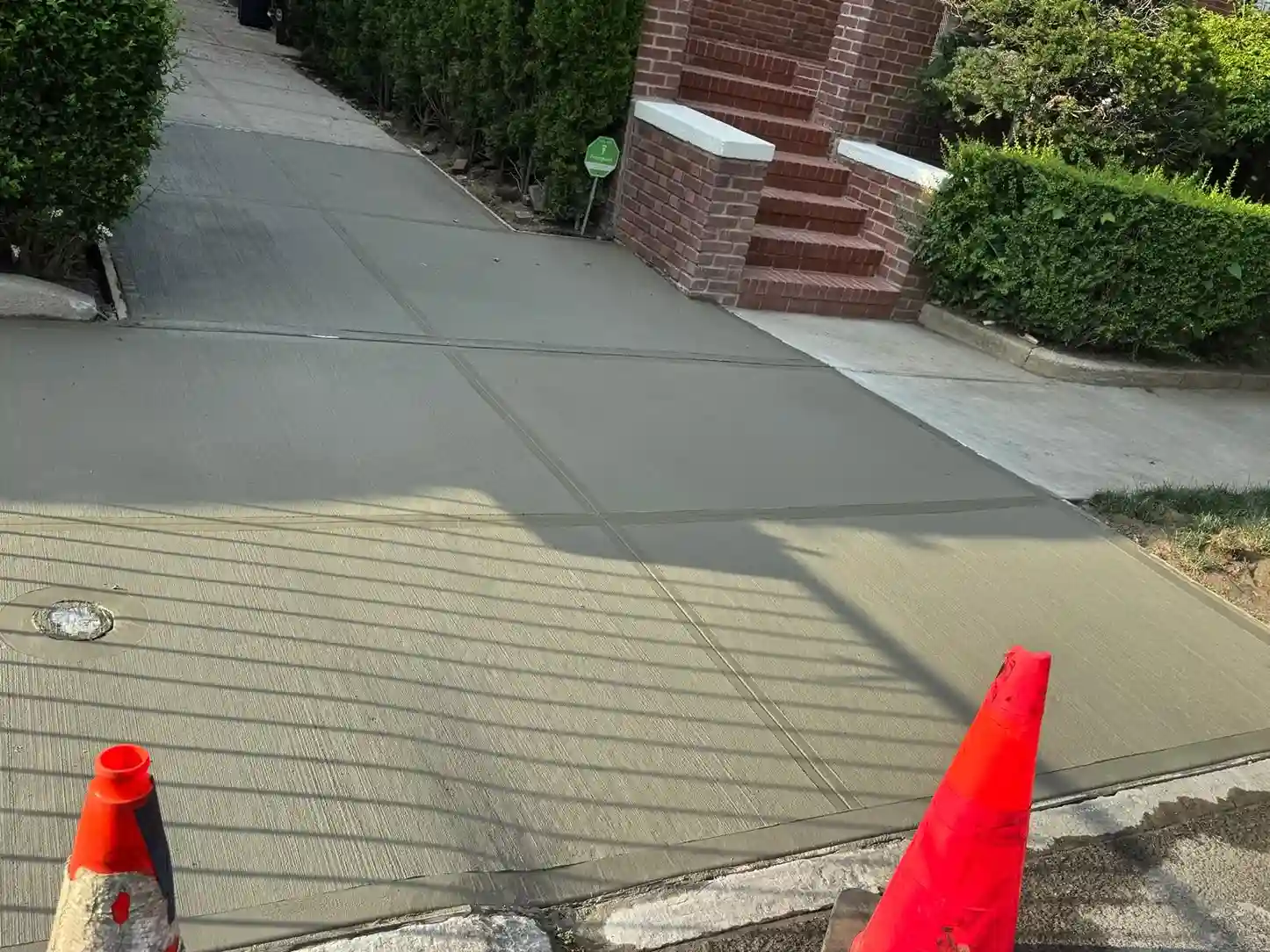
If you own property in New York City, there's a good chance you've heard about sidewalk violations at some point, whether it's from a neighbor, a letter in the mail, or a quick Google search after noticing a crack out front. The good news is you don't have to guess or wait for a certified letter to find out where things stand. The city keeps this information public, and you can look it up yourself in a few minutes.
How To Look Up A Sidewalk Violation In NYC
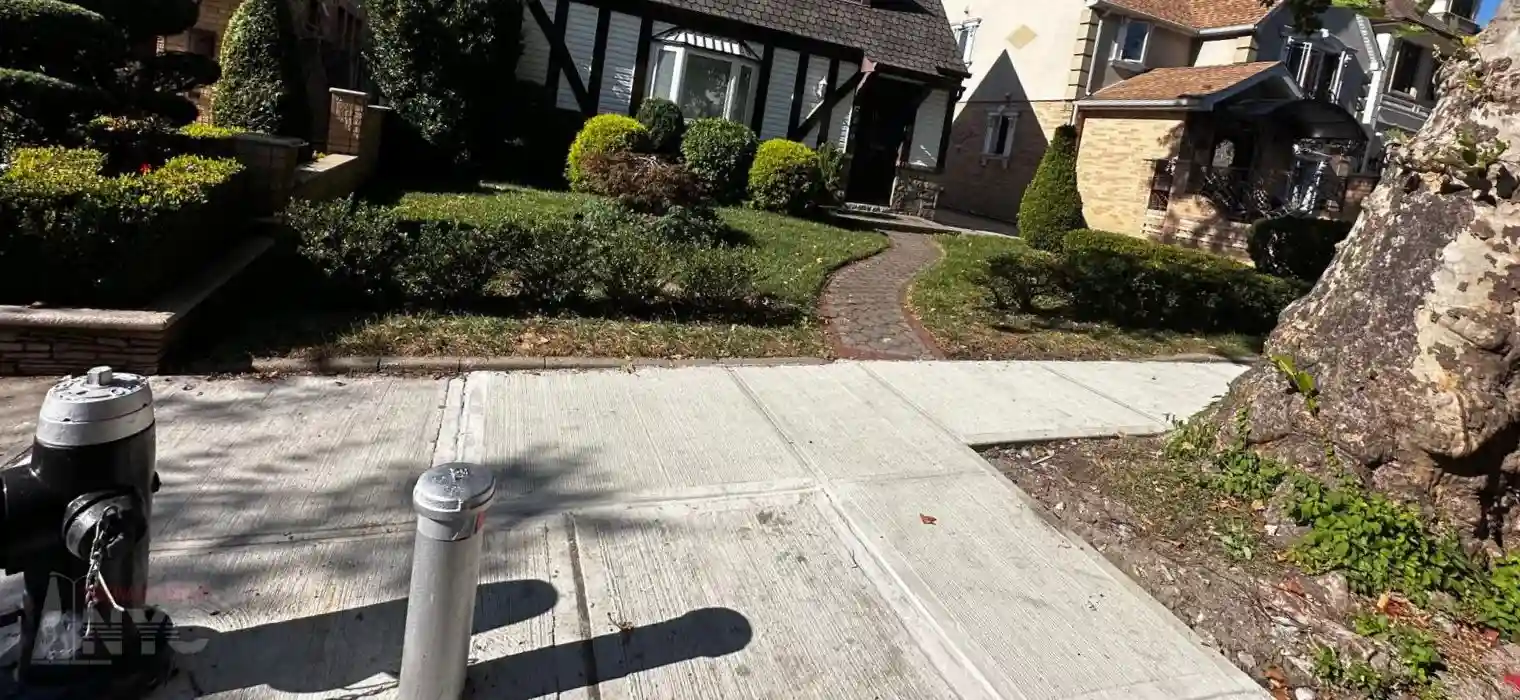
If you own property in New York City, there's a good chance you've heard about sidewalk violations at some point, whether it's from a neighbor, a letter in the mail, or a quick Google search after noticing a crack out front. The good news is you don't have to guess or wait for a certified letter to find out where things stand. The city keeps this information public, and you can look it up yourself in a few minutes.
The official source is the NYC Departme
| ;ll;kl;kkkkk | l;kkkkkk |
| l;kkkkkkkk | ;lkkkkkkkk |
nt of Transportation's Sidewalk Management Database - Violations dataset. This is the same system DOT inspectors use internally to track sidewalk defects, so it's about as straight from the source as you can get.
Below, we'll go over how to search the database and, more importantly, how to read what you find once you're there.
Start With The Basics: What This Database Actually Tracks
The Violations dataset is one piece of a larger system called the Sidewalk Management Database, which DOT uses to track sidewalk inspections from start to finish. Think of it like a paper trail. An inspector flags a defect, that defect can turn into a formal violation, the property owner gets notified, and from there the record follows the case through reinspection and eventually repair.
The Violations table specifically covers properties where a Notice of Violation has been issued for a sidewalk defect. If your property shows up here, DOT has already determined there's an issue that needs fixing, typically because a complaint came in through 311, a Commissioner's correspondence, or a routine inspection.
One thing worth knowing up
front: this table shows active and issued violations. If a violation was already resolved or dismissed, DOT moves that information to a separate dataset called Sidewalk Dismissal Inspection Tracking. So if you search the Violations table and don't see your property, that's not necessarily bad news. It might mean the case was already closed out.
How To Search For Your Property
Once you're on the dataset page, you'll be able to search or filter records using a few different identifiers. The most useful ones for a homeowner are the following:
-
Borough, Block, and Lot (BBL): This is your property's tax identifier, and it's the most reliable way to pinpoint your exact lot
-
House number and street name: Listed as HOUSE_NUM and ONSTNAME in the data
-
Community Board number: Helpful if you're researching a broader area rather than one address
If you don't already know your BBL, you can look it up through the Department of Finance's Digital Tax Map. Once you have it, that number will connect your record across every related sidewalk dataset, not just Violations.
How to Read the Dataset in Sidewalk Management Database
This is where a lot of people get stuck, because the raw column names in the dataset aren't exactly plain English. The data dictionary can help with this. It's DOT's own glossary explaining what each field represents, and it makes the difference between staring at a spreadsheet and actually understanding your property's history.
Here are the fields that matter most:
VIssueDate: This is the date your violation was officially issued. If this field has a date in it, a Notice of Violation exists for your property.
VDismissDate: This tells you if and when a violation was dismissed. If this field is blank, the violation is still considered active. If there's a date here, DOT has closed the case.
CERTI_DATE: The date you (or the property owner) received the Notice of Violation by certified mail. This date matters because it starts the clock on your grace period.
GRACE_PD: The number of days you have from the certified mail date before the City can step in and perform the repair itself.
SWV_Number: Your violation's tracking number, issued in order by borough. Handy to have if you ever call DOT directly.
BROKEN, TRIP_HAZ, SLOPE, UNDERMINED, SW_MISSING, HARDWARE, INTEGRITY, PATCHWORK, OTHER_DEF: All these are defect indicators. Each one gets marked with an "X" if that specific condition applies to your sidewalk. So if TRIP_HAZ shows an X, DOT identified a trip hazard, deflection, or hole. If UNDERMINED shows an X, there's a void or unstable area beneath the slab.
SQ_FEET: The total square footage of defective sidewalk identified during inspection.
FLAG: Marks whether the violation applies to a single freestanding sidewalk slab rather than a longer stretch.
Connecting The Dots: How This Fits With Other DOT Datasets
Here's the part most people miss. The Violations table doesn't exist in isolation. It's linked to several other datasets through your property's BBLID, and each one tells a different part of the story:
-
Inspection: the original inspection that identified the defect in the first place
-
Reinspection: if you disagreed with the first inspection and requested a second look, this is where that outcome lives
-
Built: shows whether and when your sidewalk was actually repaired, and by whom
-
All Tree Damage (ATD): if your sidewalk defect was caused entirely by a city tree's roots, it gets tracked separately here, since tree-related damage follows its own process
If you want the complete picture of what's happened at your address, cross-referencing your BBL across these tables will get you there.
What To Do If You Find A Violation
If you pull up your address and see an active violation, don't panic, but don't ignore it either. Check your GRACE_PD and CERTI_DATE fields to see how much time you have before DOT can perform the repair and bill you for it. If you believe the inspection was inaccurate, you're entitled to request a reinspection within that window.
And if you're just checking proactively, that's smart too. Sidewalk issues in this city rarely get better on their own, but they require being done by professionals licensed by the NYC Department of Transportation (DOT) and the Department of Consumer and Worker Protection (DCWP), and catching a defect before it becomes a violation can save you both money and a headache down the road.
Let QuickFix Sidewalk NYC Handle It For You
At QuickFix Sidewalk NYC, we're licensed and authorized by DOT to handle every part of the violation removal process for you, from permit handling to submitting reinspection requests directly with DOT officials.
If your property has been flagged, don't wait until the grace period runs out. Once that happens, the City steps in and completes the repair at a premium cost, tacks on an additional 20% surcharge, and places a lien on your property that can block you from selling or refinancing until it's resolved.
Reach out to us and we'll walk you through every step the right way, with a transparent project cost from the start.
Call us today at (718) 682-6680 for a free estimate, and let the experts handle your sidewalk from start to finish